Description
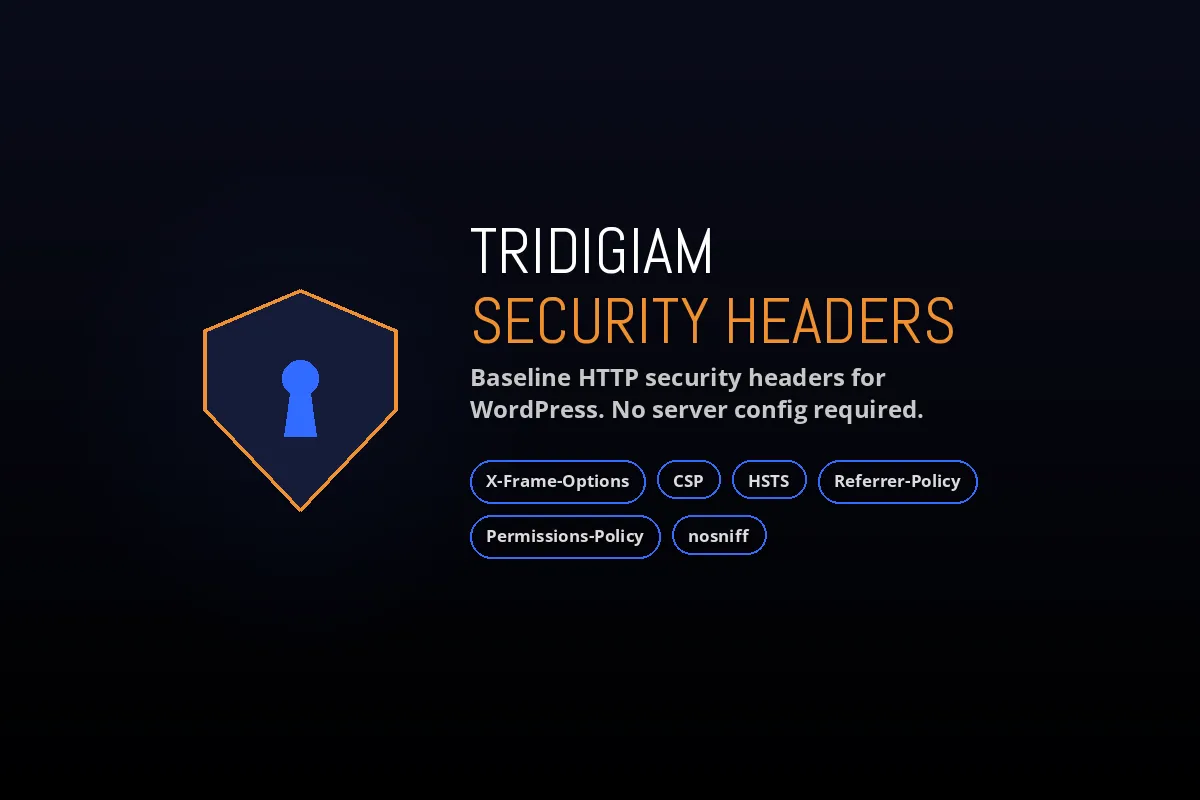
Security scanners and compliance checklists ask for HTTP response headers your server might not be set up to send. This plugin sends them from WordPress itself: no .htaccess edit, no Nginx config, no support ticket to your host. Built for site owners and agencies who don’t have direct server access, or don’t want to touch it for something this small.
What’s included
- X-Frame-Options – stops your pages from being loaded in an iframe on someone else’s site
- X-Content-Type-Options – blocks MIME-sniffing attacks
- Referrer-Policy – controls how much referrer data leaks to other sites
- Permissions-Policy – restricts camera, microphone, geolocation, and payment access by default
- Strict-Transport-Security (HSTS) – opt-in, with a required confirmation step before it’ll save
- Content-Security-Policy (CSP) – opt-in, ships in Report-Only mode with starter directives for Google Fonts, GA4/GTM, and YouTube/Vimeo embeds
Why some headers are on and some are off by default: X-Frame-Options, X-Content-Type-Options, Referrer-Policy, and Permissions-Policy are close to zero risk on any WordPress site, so they’re enabled the moment you activate the plugin. CSP and HSTS are a different story. A bad CSP directive can silently break your fonts, your embeds, or your page builder’s inline styles. A bad HSTS config can lock visitors out of your domain over HTTP for months. Both stay off until you turn them on deliberately, and HSTS won’t save at all unless you check a box confirming you understand what it does.
How it works
Install the plugin, activate it, and the baseline headers are already live. Go to Settings > Security Headers to review or change anything. If you want CSP, start in Report-Only mode and check your browser console for violations before switching it to enforced. If you want HSTS, start with a short max-age and raise it once you’re confident your HTTPS setup is solid.
FAQ
Will this break my site?
The default-on headers are used on the vast majority of production WordPress sites without issue. CSP and HSTS are opt-in specifically because they’re the two headers most likely to cause a problem if your site loads scripts, fonts, or embeds the plugin doesn’t already account for. Test in Report-Only mode or with a low max-age before committing to either.
Does this apply to wp-admin?
The low-risk headers can optionally apply to wp-admin too, off by default. CSP and HSTS never apply to wp-admin no matter what you set, since wp-admin relies on inline scripts that would need a much looser policy, and locking yourself out of your own dashboard defeats the point.
I turned on HSTS and now I’m nervous. What do I do?
Lower the max-age value and save. The header updates on the next page load with the shorter duration. As long as you never checked “Preload,” this fully unwinds itself once the max-age expires.
Do I still need this if my host already sets some of these headers?
No harm in overlap, but check for conflicts first. Some hosts (including SiteGround, if that’s your setup) already send HSTS at the server level. This plugin won’t fight your host’s headers, it just fills in whatever’s missing.
Can I use this on client sites?
Yes. Licensed per site. See the license terms at checkout.
License
Single-site license. Contact us for multi-site or agency licensing. Includes the plugin files and this documentation. Support is best-effort via email; this is not a managed security service.