Description
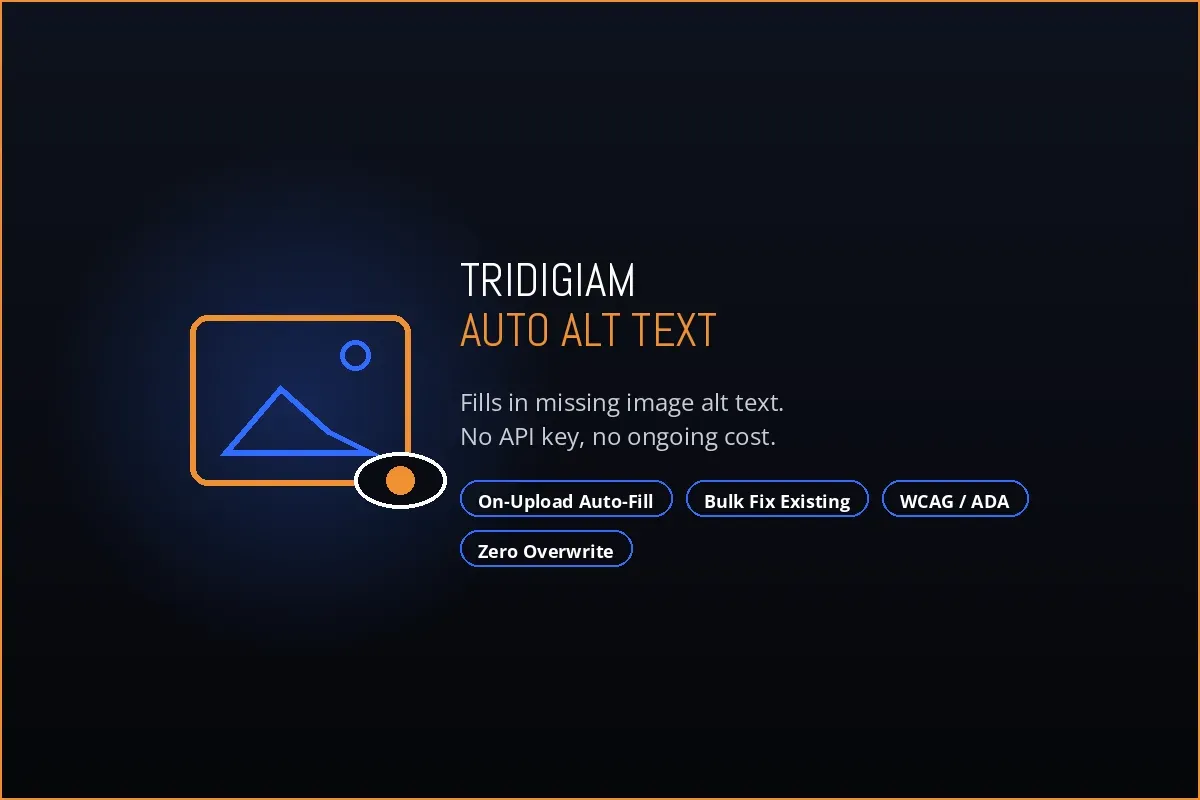
Missing alt text is one of the most common accessibility failures a WCAG or ADA scan will flag, and fixing it by hand across a media library is tedious. This plugin closes the gap two ways: it fills in alt text automatically the moment a new image is uploaded, and it gives you a one-click bulk fixer for every image already sitting in your library without alt text.
What’s included
- Automatic alt text on upload, generated from the filename
- One-click bulk fixer for existing images, batched so it works on large libraries without timing out
- A live count of how many images are currently missing alt text before you run anything
- Never overwrites alt text that already exists, on upload or during the bulk fix
- No API key, no per-image cost, no external service call
Why filename-based instead of AI-generated: AI image description needs an API key, a per-image cost, and a network call on every upload. Filename-based generation is instant and free, and most uploaded files already carry a reasonably descriptive name, things like “dr-stile-before-after-consult.jpg” or “summer-sale-banner.png.” Camera and CMS noise (IMG_, DSC_, dates, duplicate-number suffixes) gets stripped out automatically. It’s not a replacement for writing your own alt text on the images that matter most, but it closes the gap on everything else instead of leaving it blank.
How it works
Install the plugin, activate it, and new uploads start getting alt text immediately. Go to Media > Auto Alt Text to review settings, see how many existing images are missing alt text, and run the bulk fixer whenever you’re ready. Nothing runs against your existing library until you click the button.
FAQ
Will this overwrite alt text I already wrote?
No. It only ever fills in alt text that’s currently empty, on upload or during the bulk fix. If a field already has text in it, this plugin leaves it alone.
What happens with filenames that are just numbers or a camera ID, like DSC01234.jpg?
Those get stripped out as noise since they carry no meaning for a screen reader. If nothing usable is left, the plugin falls back to the attachment’s title field. If that’s empty too, it leaves the alt text blank rather than guess.
Does the bulk fixer run automatically?
No. It’s a manual button on the Auto Alt Text settings page. Nothing runs against your existing library until you click it.
Does this apply to non-image files, like PDFs?
No, alt text is an image-only attribute. Non-image attachments are skipped entirely.
Can I use this on client sites?
Yes. Licensed per site. See the license terms at checkout.
License
Single-site license. Contact us for multi-site or agency licensing. Includes the plugin files and this documentation. Support is best-effort via email; this is not a managed accessibility audit service.